
everything you need to know
meet flare: the ultimate drifter

remote and pairing instructions
grip. aim. control.
Twist the wheel clockwise to go right and counter clockwise to go left. Pull the trigger to accelerate and push to reverse.
pairing instructions
1. First turn on the remote. The red light on the remote will start blinking.
2. Then turn on the car.
3. When the red light on the remote stops blinking, the pairing is complete.
DO NOT hold the trigger or turn the wheel while pairing the remote with the car.
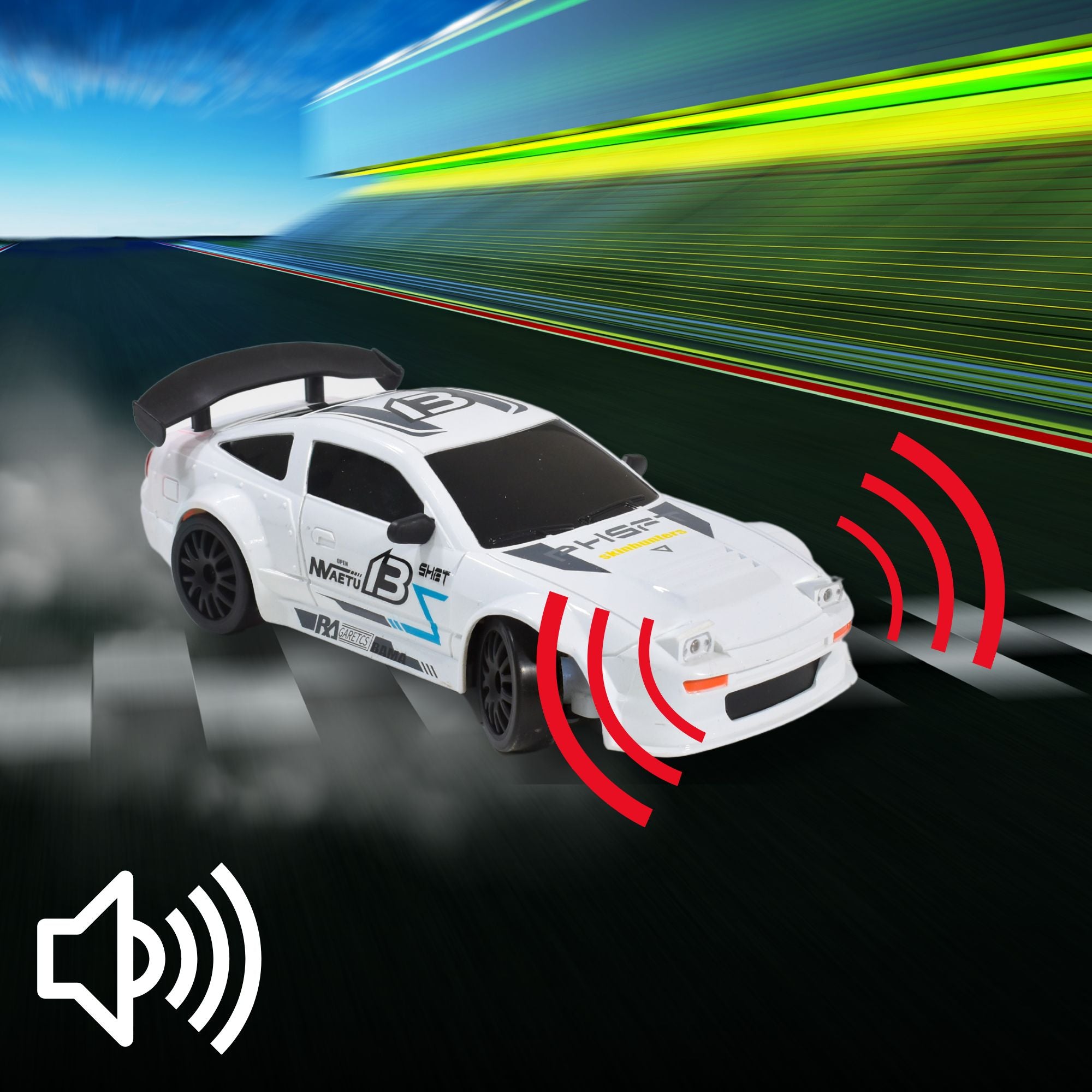
the sound of high performance drifting
noisy drifters? Here's why!
Drifting isn’t just about speed—it’s about power! The motors in your drifter car are designed for high torque and quick acceleration, which naturally makes them louder than regular RC cars. The sound comes from the motor, gears, and tires sliding as they work together to deliver sharp turns and smooth drifts.

Two Modes for Total Control
Speed That Matches Your Style
Flare has two speed modes to suit different driving styles. Low speed gives you better control for smooth drifting, while high speed lets you go full throttle, reaching up to 20 kmph on open tracks. When you switch modes, the car’s headlights will blink—once for low speed and twice for high speed—so you always know which mode you're using.
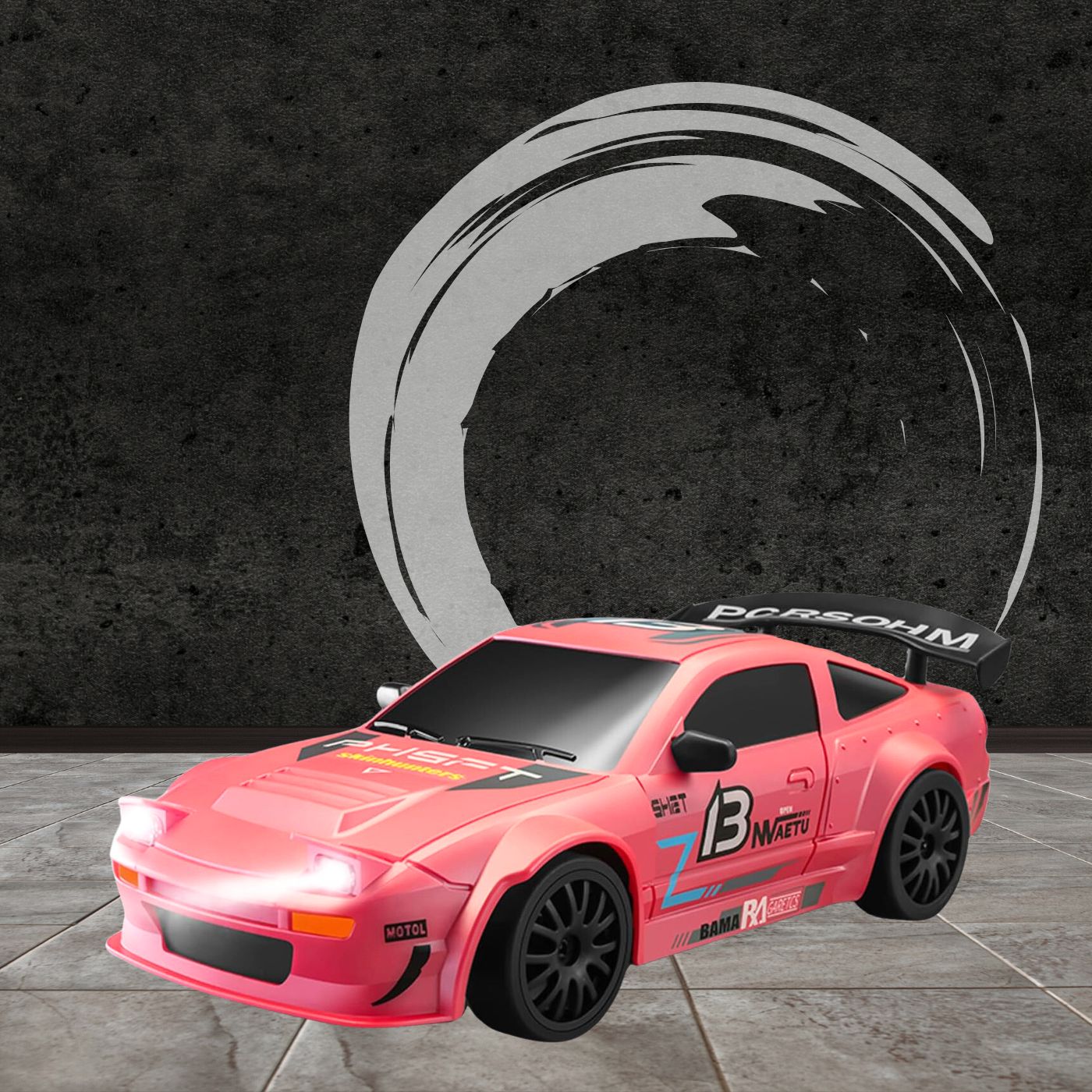
precision drifting and speed indoors
master the indoors
Flare is engineered for indoor precision and speed. The drift wheels unlock effortless slides and controlled spins, making every turn a thrill on polished floors. Need more control? Swap in the speed wheels for stable acceleration.

proportional throttle & steering for ultimate control
Flare’s proportional throttle and steering let you control speed and direction with precision. The more you press the throttle, the faster it goes—no sudden jumps. Steering works the same way—turn a little for a slight curve or more for a sharp turn. This smooth control makes drifting easier, letting you enter, hold, and exit drifts with precision.

switch tyres: a quick guide
Follow these step-by-step instructions to change the tyres on Flare. Ensure you screw on the tyres tightly for a smooth experience!
Now, It’s Your Turn!
You’ve got the knowledge—now it’s time to hit the track. Whether you’re racing, drifting, or just having fun, Flare is ready. Enjoy the ride!
FAQ
general
Use the provided screwdriver to unscrew the pre-installed wheels from your car. Carefully remove them and replace them with the new set of tyres and screw them on. Make sure you screw them on tightly.
Charging the battery separately means you don’t have to pause the action! While one battery is charging, you can swap in a spare and keep driving. This way, you maximize playtime without waiting for the entire car to charge. Plus, separate charging helps protect the car’s internal components from heat buildup during charging, ensuring better long-term performance.
The light on the car will blink once when you switch to low speed mode and blink twice when you switch to high speed mode.
You can charge your battery with the charger provided. You can plug it into any wall socket or USB slot. Make sure not to use a fast-charging adapter to avoid damage.
Absolutely. You can order extra wheels from the 'Accessories' section of our website.
Regular maintenance keeps your car running at peak performance. Here's how to do that:
Keep it clean – Wipe off dust, dirt, and debris after each use, especially around the wheels and axles.
Check the wheels – Ensure they are securely attached and free of any obstructions.
Battery care – Charge only with the included charger, avoid overcharging, and unplug when fully charged.
Inspect moving parts – Check for any loose screws, worn-out tires, or misalignments, and tighten or replace them if needed.
Storage matters – Store in a cool, dry place and avoid prolonged exposure to extreme heat or moisture.
troubleshooting
If your car stops moving or does not work sometimes, you may need to charge the battery or replace it with a new one.
If you hold the trigger or steering wheel while pairing, the car registers that position as its neutral state. This means if you’re accidentally turning right during pairing, the car will treat that as “straight” once connected.
Solution:
- Turn off both the car and remote.
- Turn on the remote first, without touching the controls.
- Turn on the car and let it pair automatically.
- Also ensure the battery is fully charged before pairing.
This ensures the car correctly registers the neutral position for precise control.
This is likely due to the steering trim being slightly off. On the underside of the car, you’ll find a small dial with a needle that moves left and right. Adjust the needle to the center, and your car should steer evenly in both directions.
The screw is designed to stay in place! It only needs to be loosened enough to flip the cover open and insert the battery. This prevents it from falling out and getting lost, making battery changes quick and hassle-free. If you face an issue opening the screw, try a different screwdriver.
If the problem persists, call us at +91 9880212323